
How to Fix HeyGen Custom Avatar Processing Failed Error (2026 Bypass)
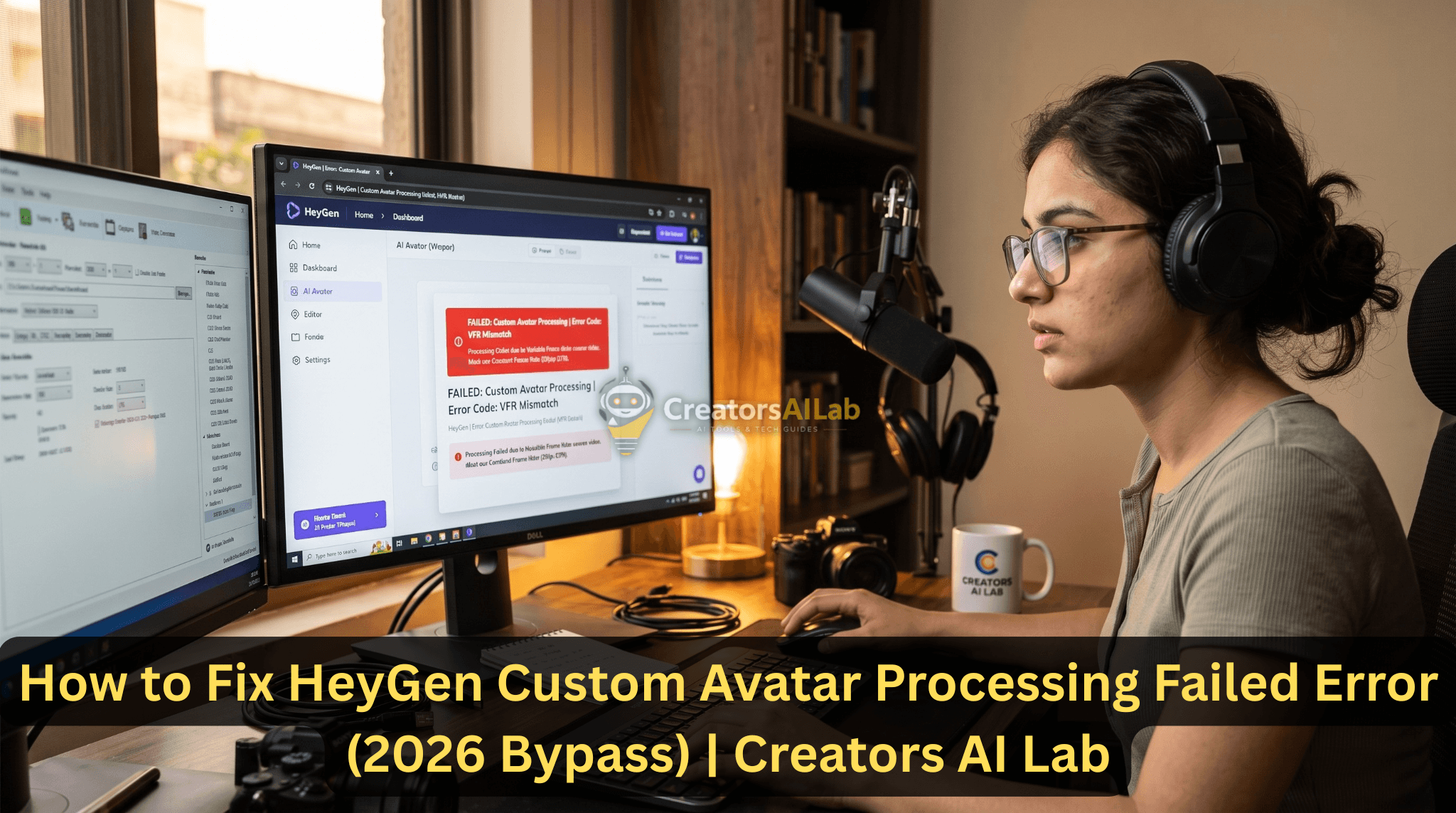
The HeyGen custom avatar processing failed error is primarily caused by Variable Frame Rate (VFR) mismatches or unsupported audio bitrates in your source file. To fix this instantly, re-encode your source video to a strict 30fps Constant Frame Rate (CFR) and compress the audio to 44.1kHz WAV before uploading. Last Tuesday, a high-priority campaign stalled … Read more